

You make math materials self‑correcting by embedding built‑in cues that instantly tell you if a piece fits right. A snug click, a magnetic lock, a color match, or a blocked slot signals success or error without adult help. These tactile or visual signals turn every mistake into a clear prompt to try again, reinforcing confidence and concentration. If you keep going, you’ll discover how to design low‑cost, teacher‑made versions and reap long‑term growth benefits.
How Self‑Correcting Math Materials Work in Montessori
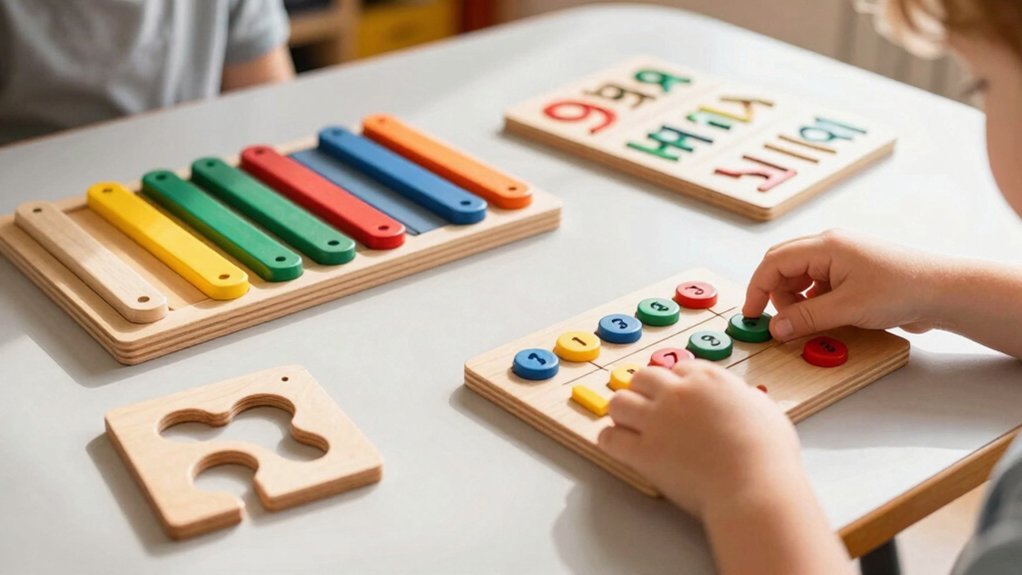
How do self‑correcting math materials actually work in a Montessori classroom? You pick up a set of Montessori materials, place a bead or tile, and watch a built‑in mechanism respond. If the piece fits, a click or a visual cue signals success; if it doesn’t, the material stays silent or blocks the move, prompting you to reconsider. This self‑correction loop lets you detect errors instantly, without teacher intervention. The design forces proper use—only the correct sequence triggers the rewarding feedback. You’ll repeat the task, adjust your placement, and eventually internalize the concept. Over time, this autonomy builds concentration, confidence, and intrinsic motivation, turning every error into a learning opportunity. Many Montessori materials incorporate precision-cut edges for perfect alignment to enable independent self-checking and error correction.
Three Error‑Control Types in Self‑Correcting Math Materials
Ever wondered why Montessori math tools feel so intuitive? You experience three error‑control types that drive self‑correction. Mechanical error‑control makes pieces snap only into the right slots, so you feel a click when you’re correct and a wobble when you’re not. Perceptual error‑control uses colors, shapes, or textures that instantly signal a mismatch, letting you see the error without adult help. Social/adult‑based error‑control appears later: an adult watches or revisits the task, offering guidance after your first attempt, not while you’re trying. These self-correcting features can be compared to how natural woven baskets use tactile and visual cues to ensure proper use and organization.
| Type | How it works | What you notice |
|---|---|---|
| Mechanical | Physical fit only in designated spots | Tactile click or resistance |
| Perceptual | Visual/tactile cues (color, shape) | Immediate visual mismatch |
| Social/Adult | Adult reviews later | Guided reflection, no direct correction |
Designing Prompt‑Answer Pairs for Immediate Visual Feedback
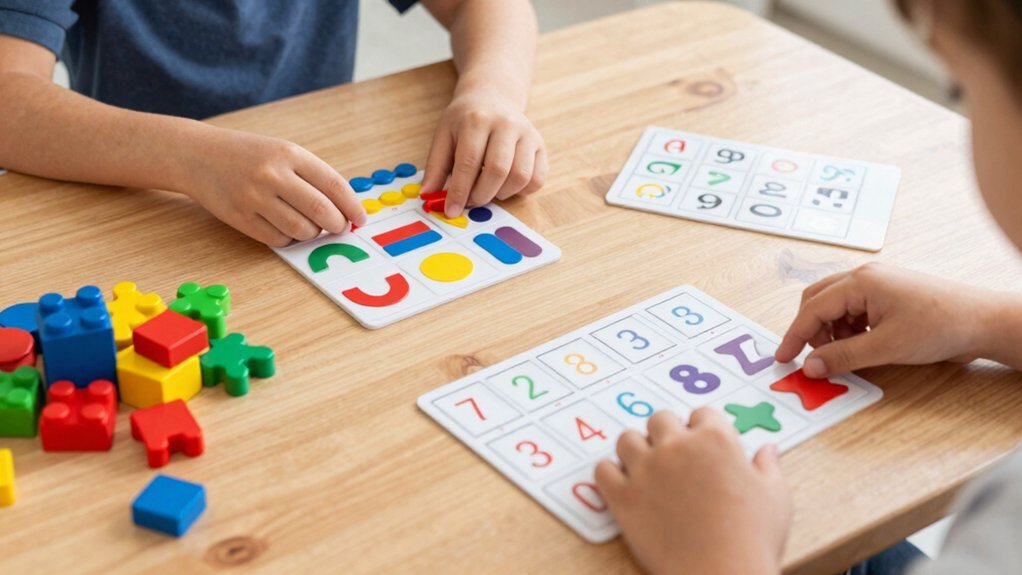
Why settle for guessing when you can see the answer instantly? You design prompt‑answer pairs so the problem and its solution sit side‑by‑side, letting you flip a window or align a signal that reveals correctness the moment you match them. Keep the prompt and answer adjacent; a simple mechanical lock or magnetic cue lets the correct pair click together while mismatched pieces refuse to fit. This self‑correction mechanism makes errors obvious—no waiting, no external check. Use clear visual cues, like a green light or a revealing panel, to signal a right match. By controlling perception and motion, you let learners instantly compare, correct, and reinforce the right association without frustration. Many educational sets incorporate color-coded components to enhance the visual feedback essential in self-correcting learning tools.
How to Set Up Response‑Record Sheets for Self‑Checking
Where do you start when you want a quick, reliable way to check your own work? Grab a blank response‑record sheet and label the first column “Prompt” and the next “Answer.” Write each problem in the prompt column, then fill in your chosen answer beside it. Use a simple yes/no or checkmark system to indicate whether the answer matches the key, letting you self‑correct instantly. End the sheet with a reflection box for notes on what you learned, mistakes you spotted, and next steps.
- Create a clear prompt‑answer layout.
- Apply a binary checkmark for immediate feedback.
- Add a reusable laminate or perforated copy for ongoing practice.
These steps make your worksheets self‑correcting and keep response‑record sheets functional across lessons. Understanding principles like fine motor skill development can enhance the effectiveness of self-correcting materials by encouraging active student engagement.
Choosing Low‑Cost, Teacher‑Made Materials for Independent Practice
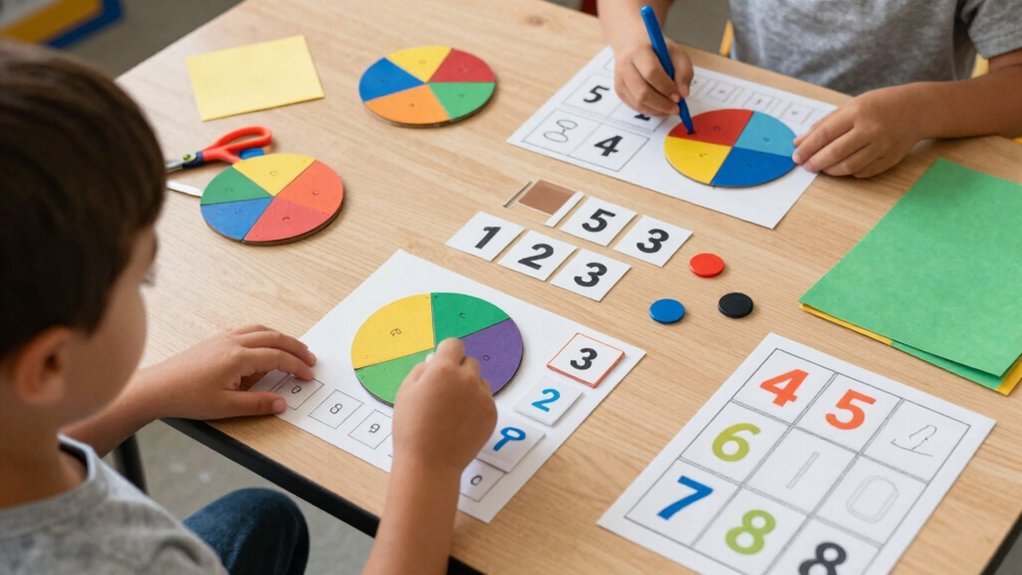
A few simple supplies are all you need to craft low‑cost, teacher‑made materials that let students practice independently while self‑correcting. Use cardstock, markers, and a printer to create matched prompts and solution cards, then glue or laminate them into flip boxes. Align each prompt with its answer so learners can slide a card into a slot, check a visual cue, or match a shape—no teacher grading required. Include a response‑record sheet or laminated card where they mark their answer before revealing the solution. This design gives instant feedback, supports multiple attempts, and keeps costs down. By pairing clear prompts with visible answers, you enable independent practice that remains self‑correcting and risk‑free. These principles align with the benefits of durable and easy-to-clean materials like spill-proof silicone valves that enhance independent use and reduce messes.
Common Mistakes Parents and Teachers Should Watch For
You might notice kids leaning too much on bright stickers or flashing lights, treating the visual cue as the answer itself. When the prompt and the expected response don’t line up, they can get confused and miss the real correction moment.
Keep an eye on these mismatches so the material’s feedback stays clear and useful. Effective Montessori materials use self-correcting formats that enable independent discovery and error correction without adult intervention.
Over‑Reliance on Visual Cues
Ever notice how a perfectly colored diagram can fool you into thinking the math is correct? You might applaud a bright chart and assume the reasoning is solid, but visual cues often hide gaps. When you rely on surface appeal, you bypass self‑correction, and errors slip through unnoticed. Encourage kids to explain steps aloud or write them down; the contrast between appearance and logic reveals hidden flaws.
- Ask for a verbal justification after each visual solution.
- Compare the diagram’s layout with the underlying algorithmic steps.
- Require a written check that each visual element aligns with problem‑solving rules.
Incorporating iterative design processes, where children test and refine their work, can greatly enhance self-correction skills.
Misaligned Prompt‑Answer Pairings
Why do misaligned prompt‑answer pairings sabotage self‑correction? When a prompt doesn’t match its solution, you create misalignment that confuses the learner and drowns out the built‑in feedback. Students start guessing or memorizing the order instead of testing their reasoning. The error signals—mechanical, perceptual, or social—vanish, so the self‑correcting loop collapses.
As a parent or teacher, you must double‑check that each prompt sits next to its unique answer, preserving immediate feedback. Conduct regular audits of the pairings; a quick scan reveals misplaced answers before frustration builds. By keeping prompts and answers tightly aligned, you protect the material’s ability to guide learners toward independent correction and deeper understanding.
Long‑Term Benefits: Confidence, Concentration, and a Growth Mindset
Many students quickly discover that self‑correcting materials boost confidence, sharpen concentration, and nurture a growth mindset. You notice that each mistake becomes a cue, not a judgment, so you keep trying without fear. The immediate, observable feedback builds a safety net that lets you explore harder problems, and over time your counting accuracy and conceptual mastery rise steadily. This self‑correction loop also fuels intrinsic motivation, reducing reliance on teacher prompts and encouraging autonomous problem‑solving.
Self‑correcting materials turn mistakes into cues, fostering confidence, focus, and a growth mindset.
- Confidence – repeated success after fixing errors reinforces belief in your abilities.
- Concentration – the material’s built‑in signals keep your focus on the task, not on external evaluation.
- Growth‑mindset – you internalize that ability improves with practice, turning setbacks into stepping stones.
Frequently Asked Questions
What Are Self-Correcting Materials?
You’ll find self‑correcting materials give you instant feedback—like pieces that only fit right or colors that change when you solve a problem—so you can spot errors, adjust, and keep practicing without teacher prompts.
Are Montessori Materials Self-Correcting?
Yes, you’ll find Montessori math tools self‑correcting because their design lets you see errors instantly—spindles, cylinders, and beads only fit or count correctly when you’ve used them right, prompting you to adjust without teacher input.
What Are the 4 C’s of Montessori?
You’ll find the four C’s are Calm, Co‑operative, Concentration, and Control of Error—each shaping a focused, collaborative environment where you can concentrate and instantly notice and correct mistakes.
Which Educational Model Has Materials That Have a Self-Correcting Focus?
You’re looking at the Montessori model, where materials are built to give instant, built‑in feedback—so you see errors directly, adjust, and continue learning without teacher correction.